CableEye - The Future-Ready Cable Test System
These videos show you how to design, test, and document cables and harnesses with CableEye continuity and HiPot test systems, including how to automate your tests and generate ISO9001-quality reports. Each clip covers one function of the CableEye software, so you can watch them in any order. For the clearest picture of how it all fits together, though, watching them in sequence works best. And because every CableEye tester runs the same software platform, learning how to operate one model means you've learned them all.
Display Notes
Control Mode
Most videos are shot using the CableEye software in Control Mode and with English selected as the screen language. This Control Mode is the view that the CableEye Test System Manager uses to access all system options and to program the tester.
Production Mode
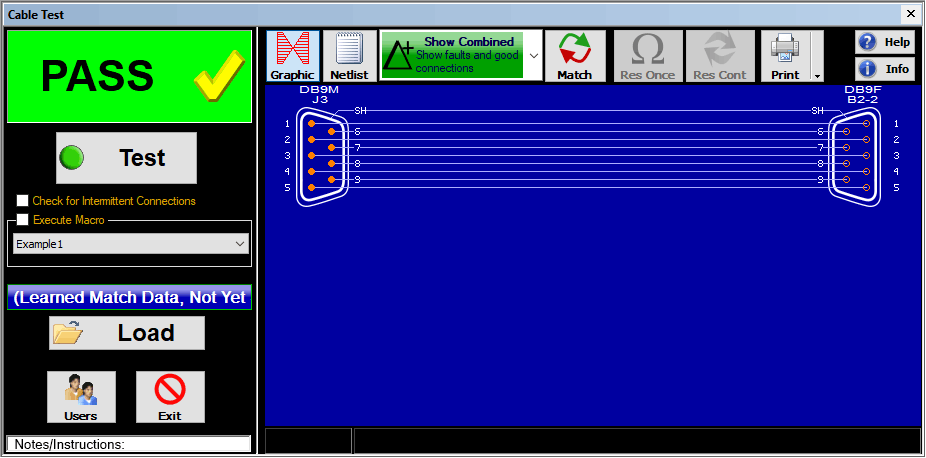
This mode displays only a limited set of essential controls and information to the production worker and is activated with a single click or barcode reader. A screenshot example of this Production Mode Screen is shown below.
Work Instructions
The CableEye Test System Manager can program the tester to display a pop-up window with detailed Operator Work Instructions containing text, photos, interactive buttons, and triggers to open additional resources such as video, schematics, parts lists and BOMs. The Work Instructions Display can be programmed to fill the screen, and to let barcode readers input data and activate tests. You can choose the exact amount of detail, imagery, language and automation you need to ensure your work instructions and tests are carried out flawlessly.
Software Version Notes
The software version used to generate each video is noted in the description. Although some are created using older software, core workflows remain accurate; interface appearance differs from the current version. CableEye software can be updated at any time — if your system is running an earlier version, an update will bring current features and capabilities to your existing hardware. Complimentary software updates are included with your active Product Support Subscription. Contact us for details.
Problems watching these videos in your browser? Check them out directly from our YouTube Channel
See more videos of CableEye testers in action, including real-world use cases and customer applications:
Jump to a video (20 videos)
- 1 - Measuring a Cable — Instant Electrical Characterisation
- 2 - Learning a Model Cable — Creating a Master Reference
- 3 - Comparing Two Cables — Fault Detection Against a Master
- 4 - Testing for Intermittent Connections
- 5 - Saving Cable Data — Building Your Test Library
- 6 - Identifying an Unknown Cable
- 11 - Adapting to Custom Test Fixtures
- 15 - Testing Single-Ended Cables — Speech Probe
- 16 - Light Director™ — First-Side Pinning
- 18 - HVX External Terminals
- 19 - HiPot Testing — DC and AC High Voltage
Videos below use software v4 or earlier — workflows still accurate, screens look different:
- 7 - Printing Schematics and Labels
- 8 - Automatic Testing — Macros
- 9 - Data Logging — Batch Testing
- 10 - Wirelist Editing and Cable Design
- 12 - PinMap™ Fixture Editor
- 13 - Testing Wire Harnesses
- 17 - Light Director™ — Second-Side Pinning
- 20 - Connector Designer™ Software
- 21 - Measuring Networked Resistances
Measuring a Cable — Instant Electrical Characterization
Connect any cable to a CableEye tester and the software instantly acquires its electrical profile: pin-to-pin wiring, passive components and their values, net list, and schematic — drawn automatically in real time. This acquired data is the foundation for all subsequent tests. Works across all CableEye tester models.
S/W v5.5; Video Duration: 5:39 min
Learning a Model Cable — Creating a Master Reference
Connect a known-good cable and the CableEye software learns it, storing its complete electrical profile as a master reference. That master is then used to verify all subsequent cables under test of the same type. Works across all CableEye tester models.
S/W v5.5; Video Duration: 3:00 min
Comparing Two Cables — Fault Detection Against a Master
Load a master cable profile from the database and instantly compare against a cable under test, flagging any discrepancy — miswires, missing connections, unintended shorts, or component value deviations. Works across all CableEye tester models.
S/W v5.5; Video Duration: 4:47 min
Testing for Intermittent Connections — Dynamic Fault Detection
Flex, twist, or stress a cable while it remains connected to the tester. Any intermittent short or open is captured in real time as it occurs, along with its location. Intermittent faults that escape static testing are among the most costly to diagnose in the field — this video shows how to find them on the bench. Works across all CableEye tester models.
S/W v5.5; Video Duration: 4:55 min
Saving Cable Data — Building Your Test Library
Once a master cable profile is acquired and verified, save it to the database for reuse. Each saved record captures the complete cable definition: wire list, connector types, descriptive notes, label text, and system variables — everything needed to recall and retest that cable instantly on any future production run or incoming inspection. Works across all CableEye tester models.
S/W v5.5; Video Duration: 3:12 min
Identifying an Unknown Cable — Database Search and Close-Match Analysis
Connect an unidentified cable and run a database search. The software finds exact matches or, if none exists, finds the closest records and displays precisely how the unknown cable differs from each. Useful for reverse-engineering undocumented assemblies, incoming inspection of unlabelled stock, or diagnosing field returns. Works across all CableEye tester models.
S/W v5.5; Video Duration: 4:35 min
Adapting to Custom Test Fixtures — Building Your Own Interfaces
CableEye testers accept a wide range of connection approaches for cables and harnesses that don't match standard connector boards. This video shows just a couple of options available, from the CB8/30/60 style of prototyping boards to external connector panels — combined with other methods, virtually any connector type can be brought to test. Works across all CableEye tester models, with M2Z limited to 128 TPs.
S/W v5.5; Video Duration: 3:08 min
Testing Single-Ended Cables and Tracing Wires — Speech Probe
The Speech Probe function extends testing to cables and harnesses that cannot be connected at both ends simultaneously. It identifies flying wires, traces conductors in moulded or bundled cables, and confirms continuity through long runs where the cable path is hidden. The tester speaks the pin identity aloud as each wire is probed — no second operator required. Works across all CableEye tester models.
S/W v5.5; Video Duration: 4:29 min
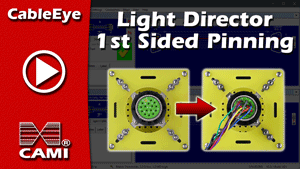
Light Director™ Light-Guided Connector Assembly — First-Side Pinning
The Light Director™ guided assembly system illuminates the correct cavity for each wire in sequence, directing the operator through first-side connector pinning without reference to a paper schematic. Reduces miswire errors and improves pinning speed. For second-side pinning, see video #17.
S/W v5.5; Video Duration: 6:46 min
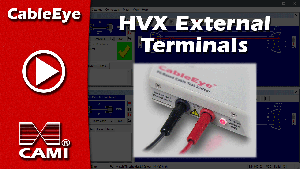
HVX External Terminals — High Voltage Testing of Two-Terminal Components
Demonstrates high voltage testing of two-terminal components, such as for transformers and coils, using the external terminals on the CableEye HVX and HVX-21 high voltage test systems. Covers test setup, control panel settings, safety interlocks, and result interpretation.
S/W v6.2; Video Duration: 6:29 min
HiPot Testing — DC and AC High Voltage Test Sequence
Demonstrates a complete HiPot test sequence on a CableEye HVX series tester. Starting from a learned cable, the video covers low voltage measurement, enabling high voltage via the hardware control panel safety interlock, and configuring the DC and AC test parameters — voltage, current limit, insulation resistance threshold, frequency, ramp rate, and dwell time. Results are shown in full: leakage current, read-back voltage, and computed insulation resistance for every wire, with pass/fail status for both DC and AC tests. Specific to CableEye HVX series high voltage test systems.
S/W v6.1; Video Duration: 6:05 min
Core workflows remain accurate; interface appearance differs.
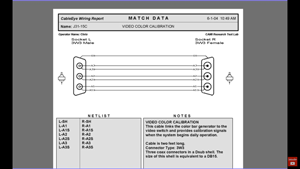
Printing Schematics and Labels — Test Reports and Cable Documentation
Generate and print schematics, match/test reports, and cable ID labels directly from the CableEye software. Produces ISO 9001-compatible documentation without manual drafting. Works across all CableEye tester models.
S/W v≤4; Video Duration: 3:46 min
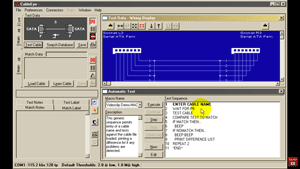
Automatic Testing — Macros and Test Automation
Configure CableEye macros to automate your test sequence. Eliminates manual step-by-step operation on the production line, reduces operator error, and supports high-throughput batch testing. Works across all CableEye tester models.
S/W v≤4; Video Duration: 4:36 min
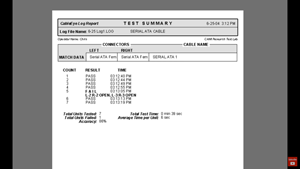
Data Logging — Batch Testing and Production Reports
Run batch tests using macros and capture results automatically in log and batch reports. Supports traceability requirements and provides the production records needed for ISO 9001 quality systems. Works across all CableEye tester models.
S/W v≤4; Video Duration: 6:21 min
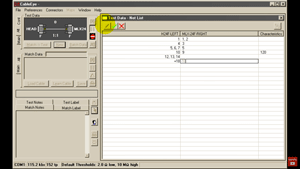
Wire List Editing and Cable Design — Creating and Modifying Cable Records
Manually create a new cable record or edit an existing one using the CableEye wire list editor. Useful when no master cable is available for learning, when creating a new master that is a modification of aother, or when designing a cable prior to physical assembly. Works across all CableEye tester models.
S/W v≤4; Video Duration: 5:53 min
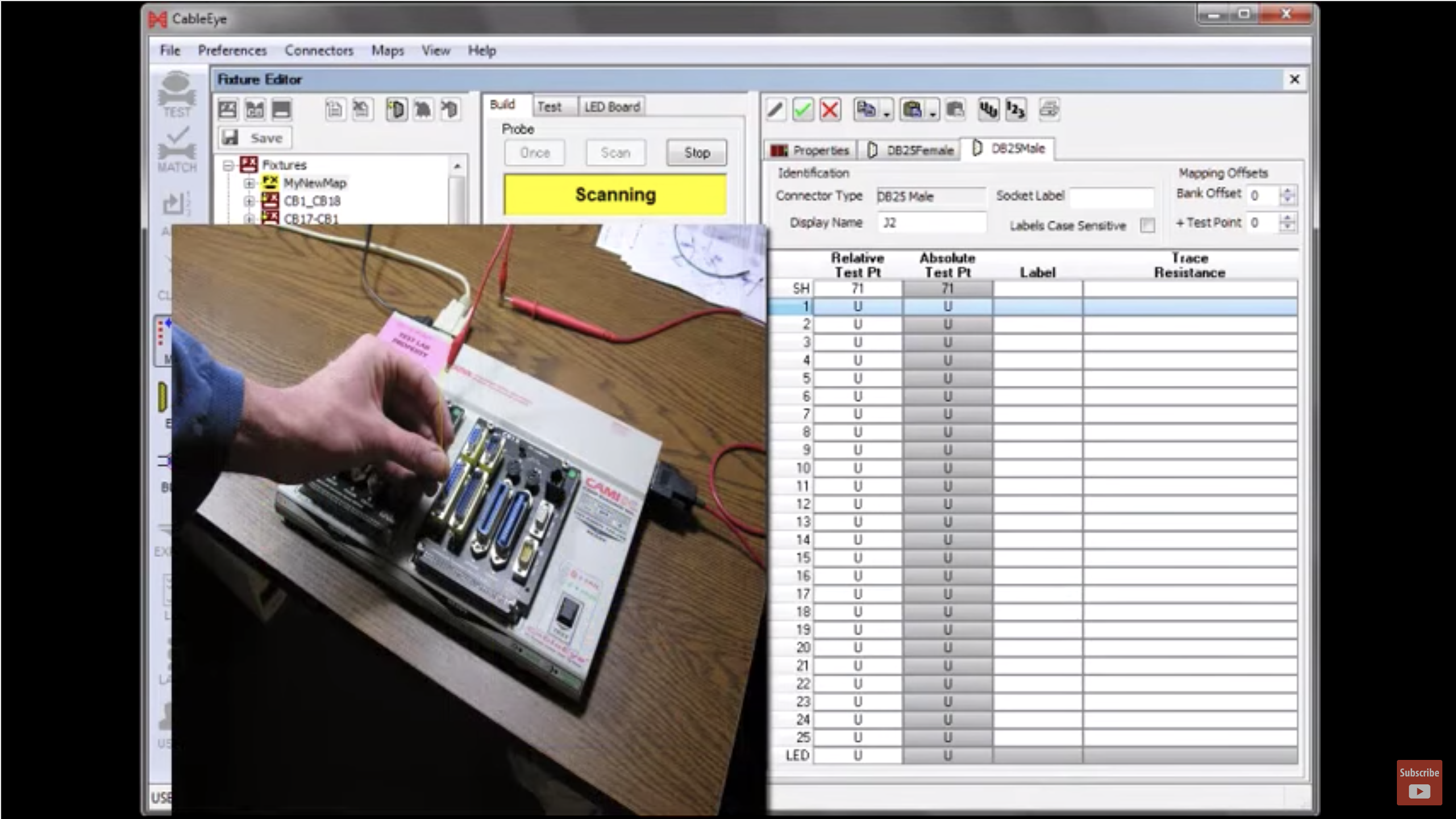
PinMap™ Fixture Editor — Linking Custom Interfaces to the CableEye system
The optional PinMap™ fixture editor software maps the pin assignments of your custom test interfaces to the test system. This video shows the complete linking process, enabling accurate testing through any custom connector board. Works across all current CableEye tester models.
S/W v≤4; Video Duration: 6:59 min
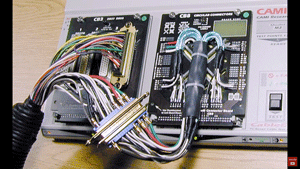
Testing Wire Harnesses — Multi-Branch Assembly Verification
Demonstrates how CableEye systems detect and represent connections in a wire harness, building a wire list and showing how a pin map creates a connector-conscious wire list with meaningful pin designations. Reviews different harness configurations and their connection methods, including connector boards, mating harness, and expansion modules. Works across all CableEye tester models.
S/W v≤4; Video Duration: 5:16 min
Light Director™ Light-Guided Connector Assembly — Second-Side Pinning
Continues the Light Director™ guided assembly demonstration with second-side connector pinning. Probe the wire to be connected, and the system illuminates the target cavity. Reduce miswire errors and improve pinning speed. For 1st-sided pinning, see video #16.
S/W v≤4; Video Duration: 7:15 min
Connector Designer™ Software — Adding Custom Connectors to the CableEye Library
The optional Connector Designer™ software module allows engineers to add proprietary or non-standard connector types to the CableEye connector library. This video walks through the complete process: Creating a new connector file, specifying class name, gender, and shell connection, importing and scaling a connector graphic (bitmap, JPEG, or PNG), placing reference pins over connector cavities using the autodrop function, assigning custom pin labels, fine-tuning pin positions, and saving the finished connector for immediate use across the CableEye system. Works across all current CableEye tester models.
S/W v≤4; Video Duration: 4:18 min
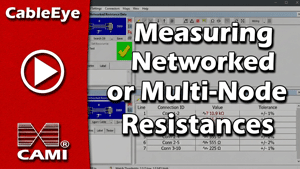
Measuring Networked Resistances — Acquiring and Editing Resistor Network Data
When a cable includes a resistor network, CableEye® software identifies the interconnected pins but cannot independently determine the exact network geometry. This video shows how to acquire initial connection data, recognise ambiguous wiring flagged by the software, and edit the wirelist to provide an accurate reference model — so that resistance values are correctly measured and displayed. Also covers the daisy-chain preference setting, which guides the software toward the correct wiring assumption for end-to-end network topologies. Works across all CableEye tester models.
S/W v≤4; Video Duration: 3:24 min