CableEye - The Future-Ready Cable Test System
These videos include use cases and case stories and show some of the features and capabilities of the CableEye ® test system in action. Because every CableEye tester runs the same software platform, learning how to operate one model means you've learned them all.
Display Notes
Control Mode
Most videos are shot using the CableEye ® software in Control Mode and with English selected as the screen language. This Control Mode is the view that the CableEye Test System Manager uses to access all system options and to program the tester.
Production Mode
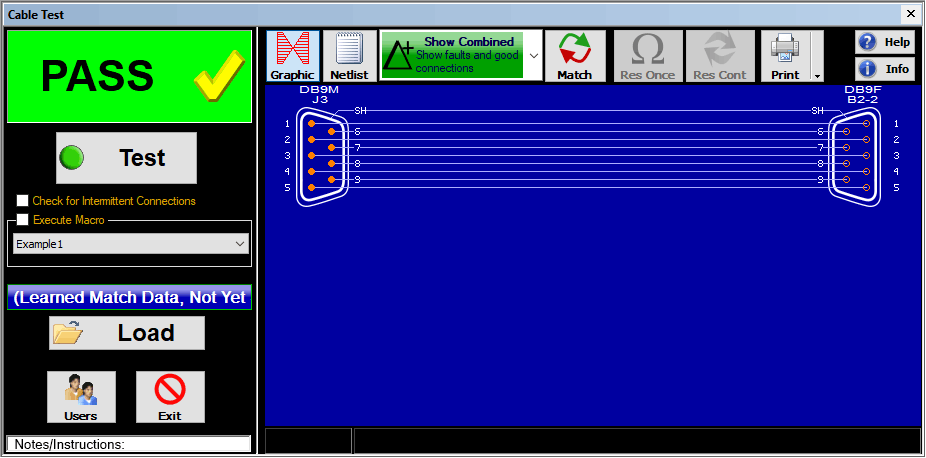
This mode displays only a limited set of essential controls and information to the production worker and is activated with a single click or barcode reader. A screenshot example of this Production Mode Screen is shown below.
Work Instructions
The CableEye Test System Manager can program the tester to display a pop-up window with detailed Operator Work Instructions containing text, photos, interactive buttons, and triggers to open additional resources such as video, schematics, parts lists and BOMs. The Work Instructions Display can be programmed to fill the screen, and to let barcode readers input data and activate tests. You can choose the exact amount of detail, imagery, language and automation you need to ensure your work instructions and tests are carried out flawlessly.
Software Version Notes
The software version used to generate each video is noted in the description. Although some are created using older software, core workflows remain accurate; interface appearance differs from the current version. CableEye software can be updated at any time — if your system is running an earlier version, an update will bring current features and capabilities to your existing hardware. Complimentary software updates are included with your active Product Support Subscription. Contact us for details.
Click this button if you're looking for instructional information on operating a CableEye tester:
D1 - Light Director™ Guided Assembly Hardware | Use Case
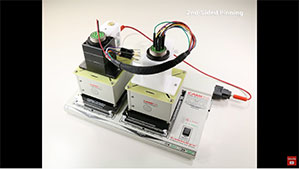
Time-lapsed first and second-side pinning sequence with ZIF and LIF fixtures.For full process details, refer to video #16 and #17.
Video Duration: 0:15 min | Click Image to Play
D2 - Test Automation | Use Case — Macro-Driven Cable Testing
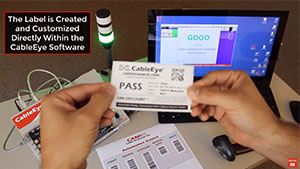
Easily control the workflow of your test with simple Macros or JavaScript, controlling external devices with unlimited relay outputs e.g. tower lights, LEDs, audible tones, label printing, latches. In this production-line simulation, barcode scans initiate the test and feed in data; software-spoken prompts guide the operator; visual work instructions with images appear automatically; connector location LEDs direct the operator; a cable under test matches the auto-loaded golden cable data and generates and prints a PASS label; tower lights signal result status. Opportunity for human error is minimized.Video Duration: 2:13 min | Click Image to Play
D3 - Guided Assembly | Case Story
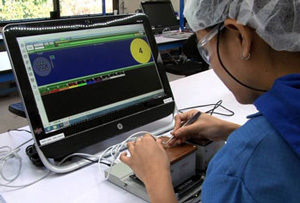
“Rapid wire technology to terminate cable assemblies greatly increases yields, and reduces assembly costs. Real-time CAMI wire recognition technology greatly increases productivity … ensuring correct wire to connector placement - all while performing in-process continuity and HiPot testing.” Dennis Johnson, CEO, Onanon Inc.
Video Duration: 23 s
| Click Image to Play
D4 - Automotive Repair | Case Stories
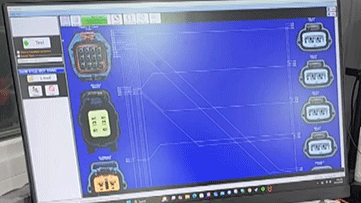
Harnessed Performance is an automotive specialist with a self-described obsession with attention to detail — from standalone ECU installs to full rewires. These short videos show CableEye cable and harness test systems in use at their shop, verifying custom Mazda harness kits before shipping to customers. Six clips covering A/C fix kits, coil harnesses, and performance tuck harnesses.
Mazda Protege A/C Fix Kits 1Mazda Protege A/C Fix Kits 2
Mazda Vanilla Coil Harness 1
Mazda Vanilla Coil Harness 2
Non-Vanilla MazdaSpeed 3 / 6 Coil Harness
Mazda Coil Tuck Harness
Credit: Harnessed Performance
Video Duration: ~1-2mins each | Click Links to Play
D5 - Motorsport | Case Story
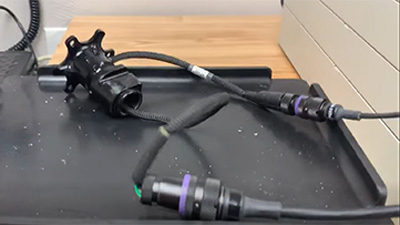
A cable harness connected to a CableEye tester while under simulated race vibration conditions and capturing intermittent faults in real time as mechanical stress exposes marginal connections; the kind of fault that otherwise passes a static bench test and fails on the circuit.Credit: Creative Motorsport Solutions
Video Duration: 13 s | Click Image to Play
Explore Additional Industry Applications
CableEye® technology is used across a wide range of industries and testing scenarios beyond those represented within the tabs of this page. Explore additional application examples showing how industry applies CableEye test systems to different cable types, test requirements, and production environments.
Try One!
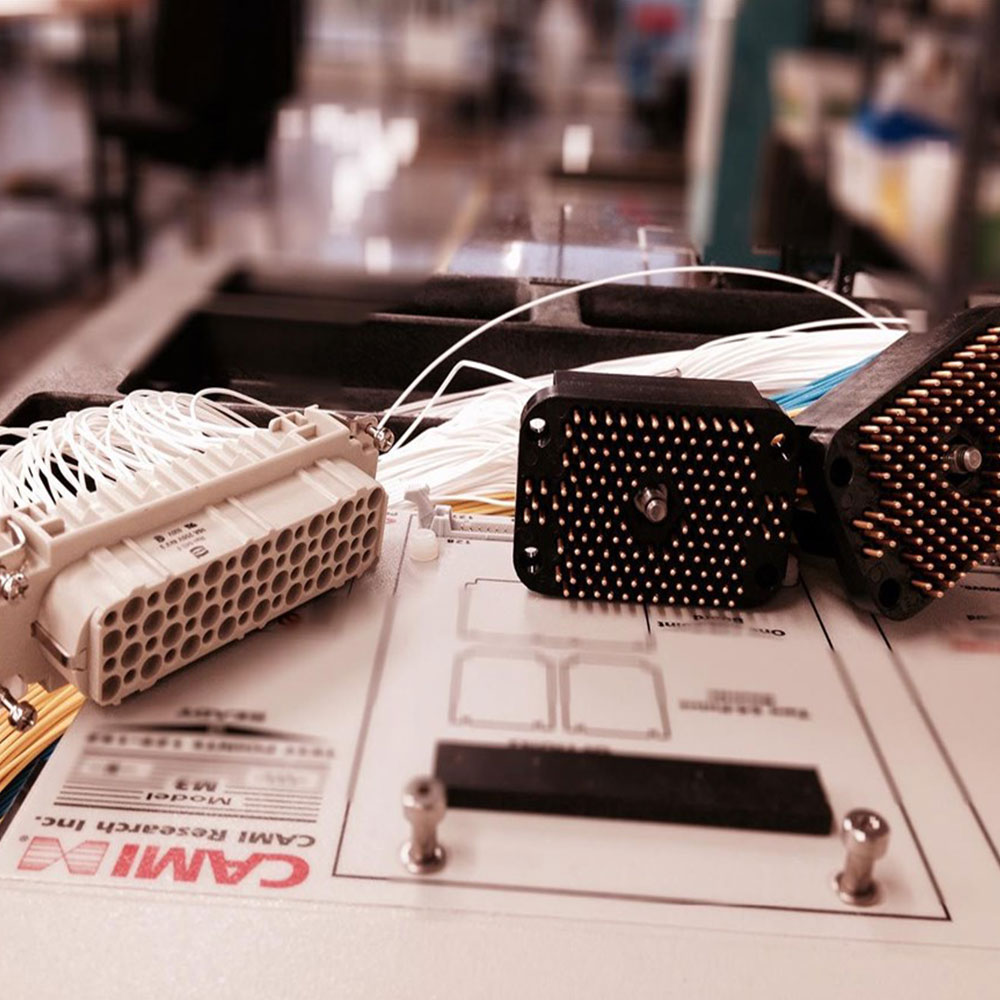
photo credit: Progressive Image
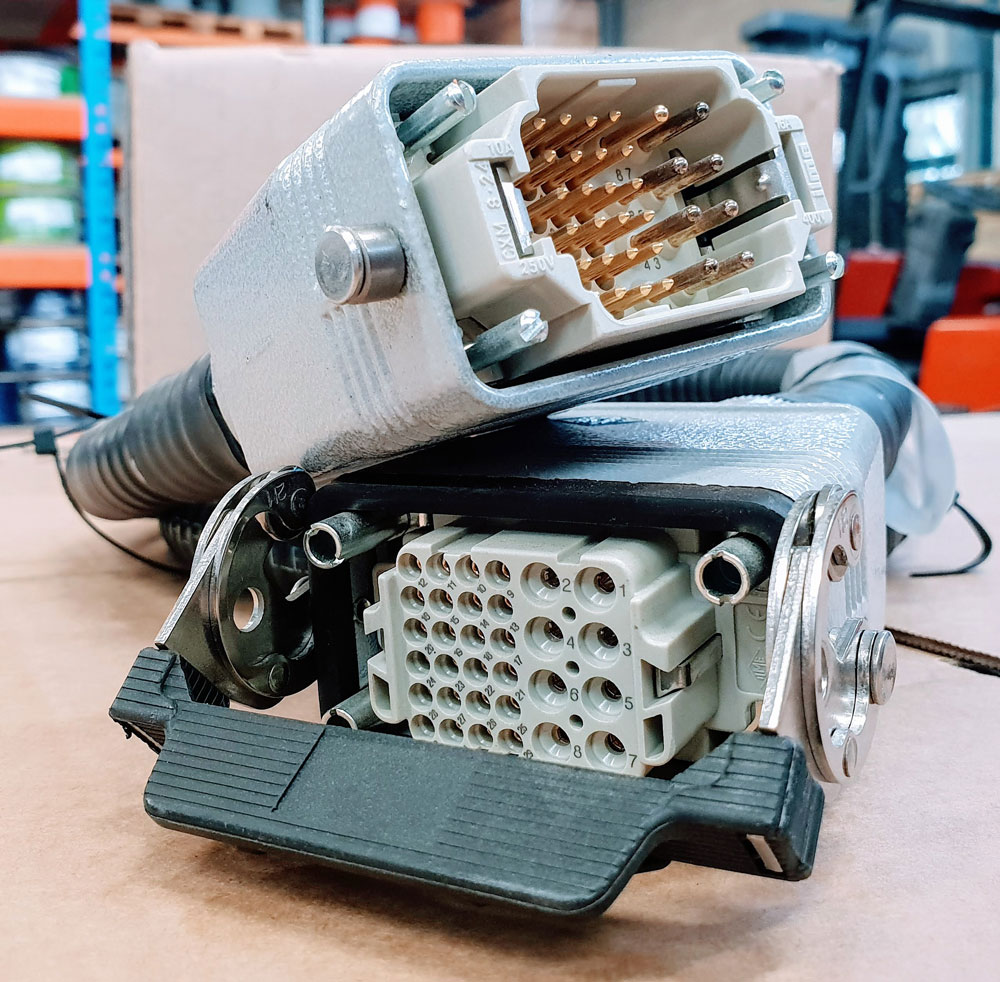
photo credit: AP Technology
"Our production guys find it simple to setup and use. Our clients love it as it provides complete traceability for each and every cable assembly we manufacture."
AP Technology, UK